Fullscreen display
A clean browser environment for fixed-purpose screens, dashboards, portals, and signage-style web applications.
Android TV browser for dashboards, signage, and controlled web display.
Radiant Browser is a lightweight Android TV web browser for situations where a screen should reliably show a web page, dashboard, portal, or signage-style application.

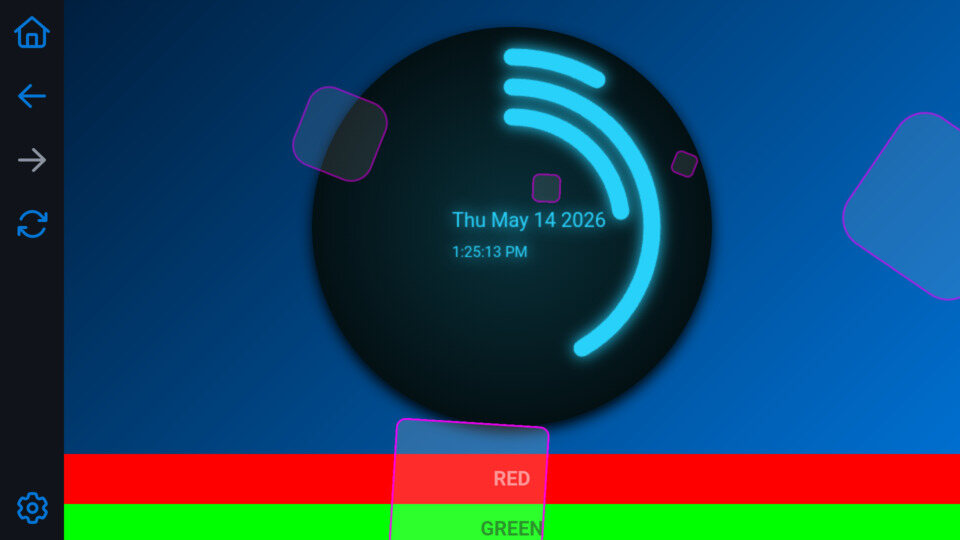
Built for TV-based web display
Radiant is not intended to replace a full desktop browser. It focuses on a clear practical use case: displaying web content on TV screens and set-top boxes with predictable startup and simple configuration.
A clean browser environment for fixed-purpose screens, dashboards, portals, and signage-style web applications.
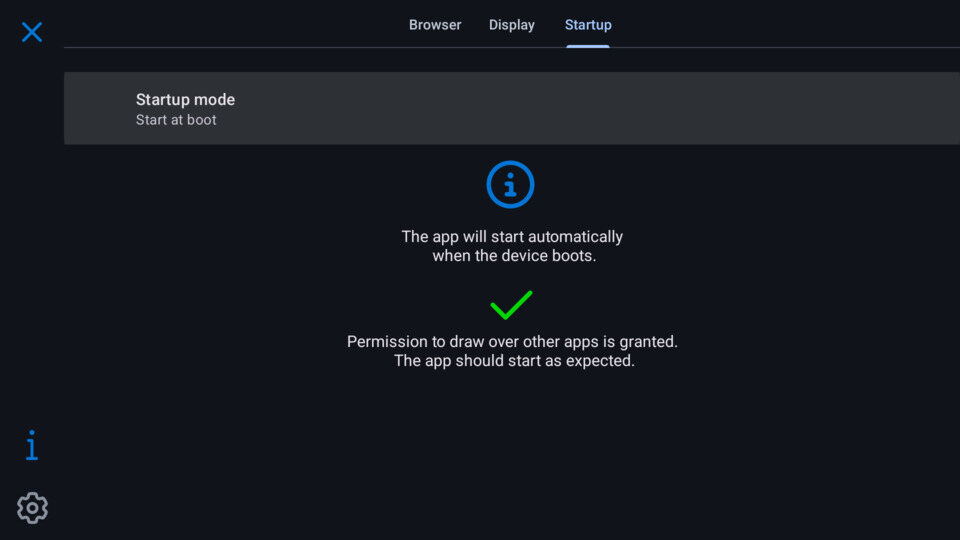
Configure Radiant to start when the device boots, depending on device support and Android TV restrictions.
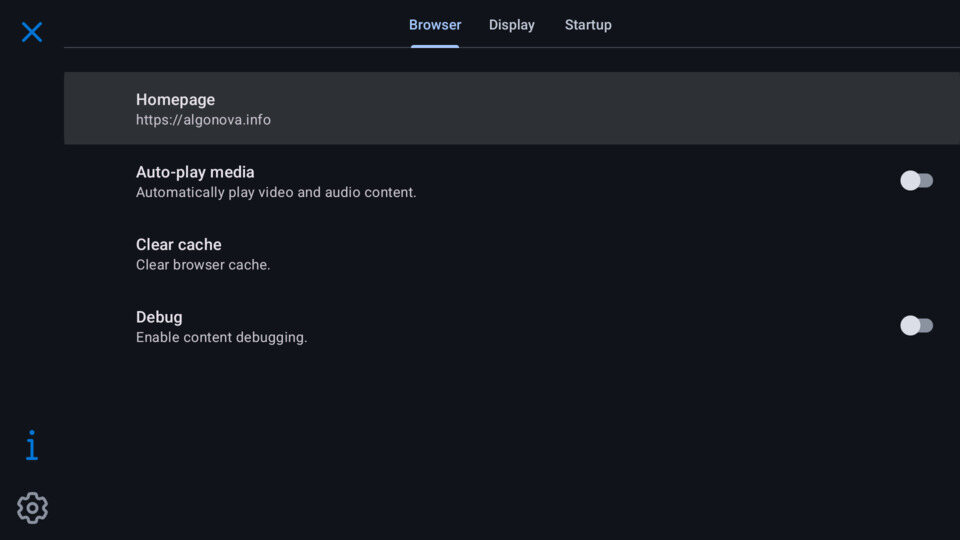
Set a homepage, control media autoplay, clear the browser cache, and enable optional content debugging.
Browser settings
Configure the homepage and browser behavior so the device opens into the right web application and stays understandable for operators.
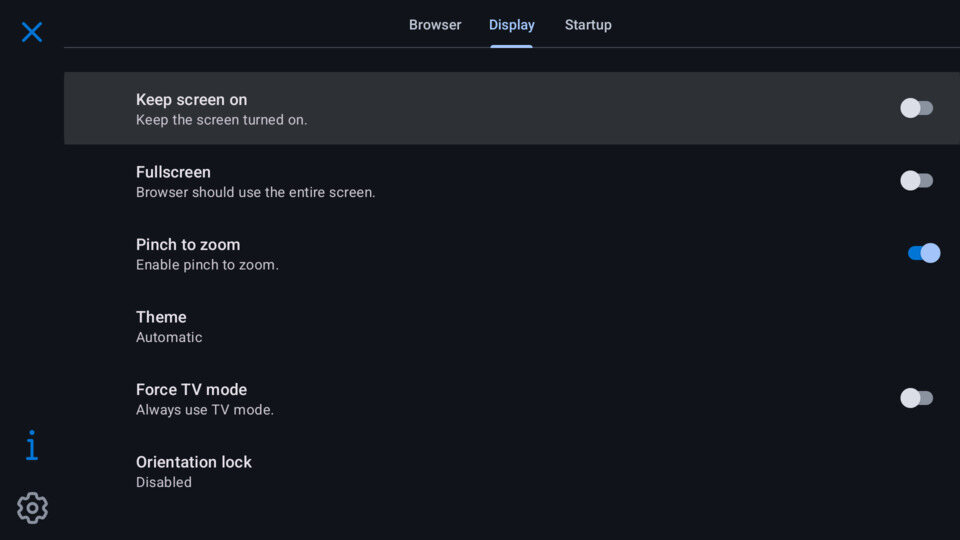
Display settings
Display-focused options include keeping the screen on, fullscreen mode, pinch-to-zoom, automatic theme selection, forced TV mode, and orientation lock.
Automatic startup
Radiant can listen for the boot event or be configured as the launcher where supported. The startup screen also shows whether the permission to draw over other apps has been granted.
Roadmap
The first version focuses on the essentials needed to turn an Android TV device into a reliable web display endpoint. Planned improvements extend configuration and remote-control usability.
Radiant Browser is designed as a local display application. Review the app privacy policy for details about data handling.
Read the Radiant Browser privacy policy